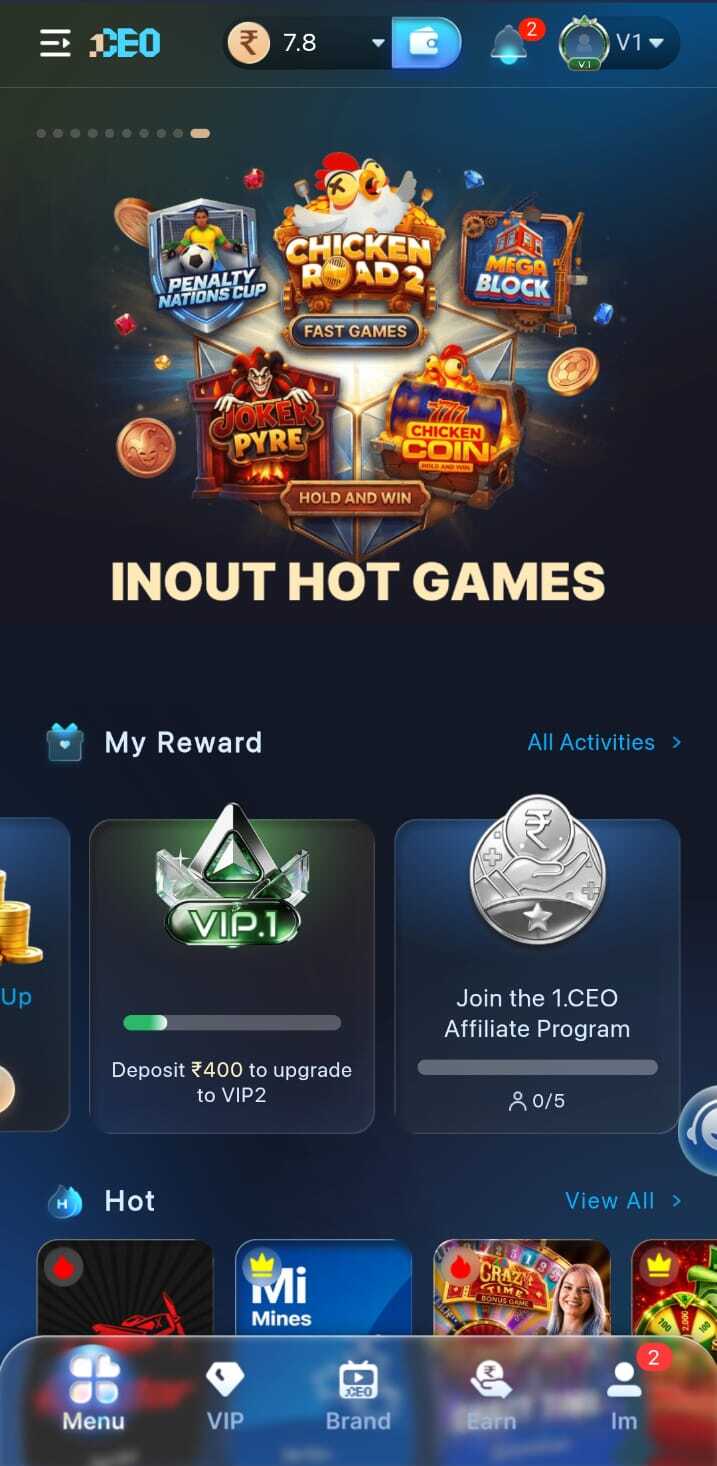
Hot Games
The main lobby surfaces the most active game tiles so new users can start exploring without searching through menus.
Game Lobby
Get a real preview of the 1CEO games lobby. Explore hot game tiles, understand the navigation layout, and see reward cards before you download the app.
Lobby overview
The main lobby surfaces the most active game tiles so new users can start exploring without searching through menus.
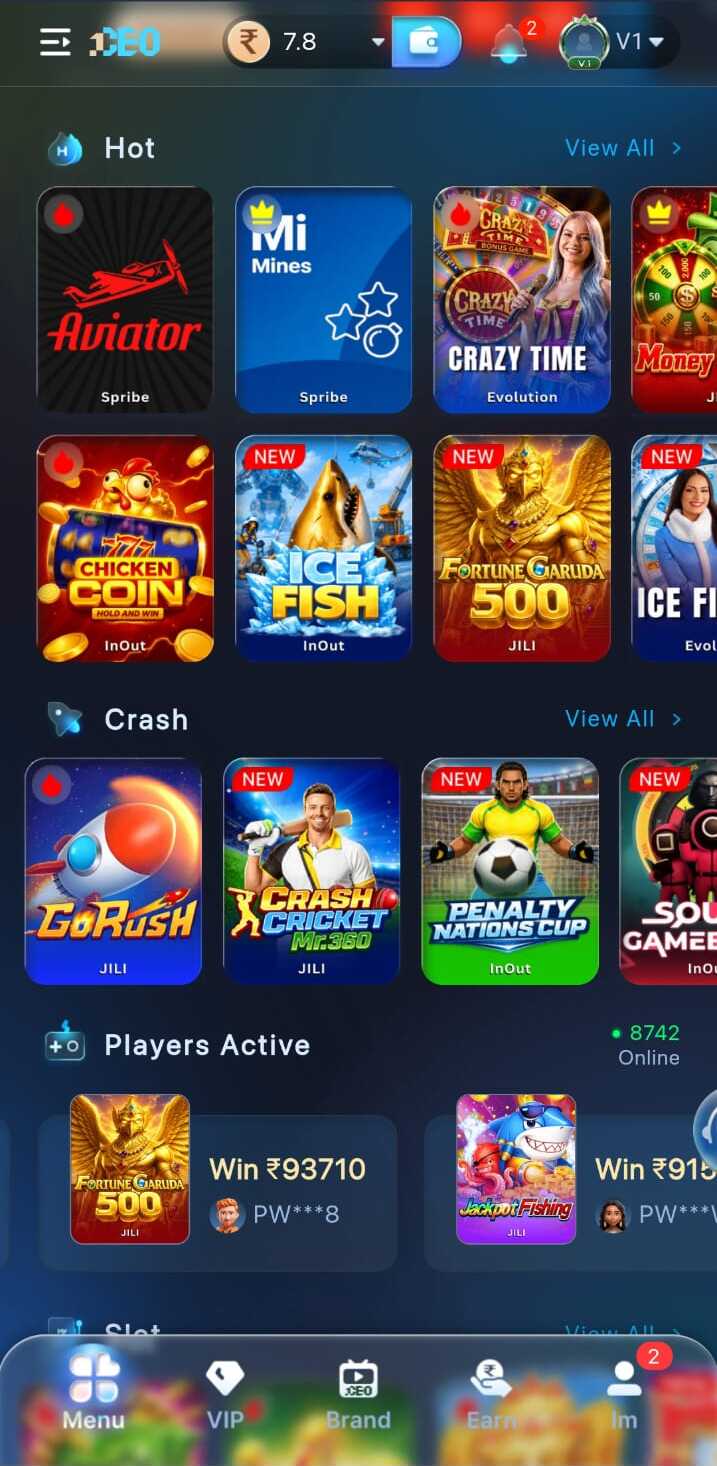
Large visual tiles let users evaluate games at a glance. Reward indicators help highlight featured titles.
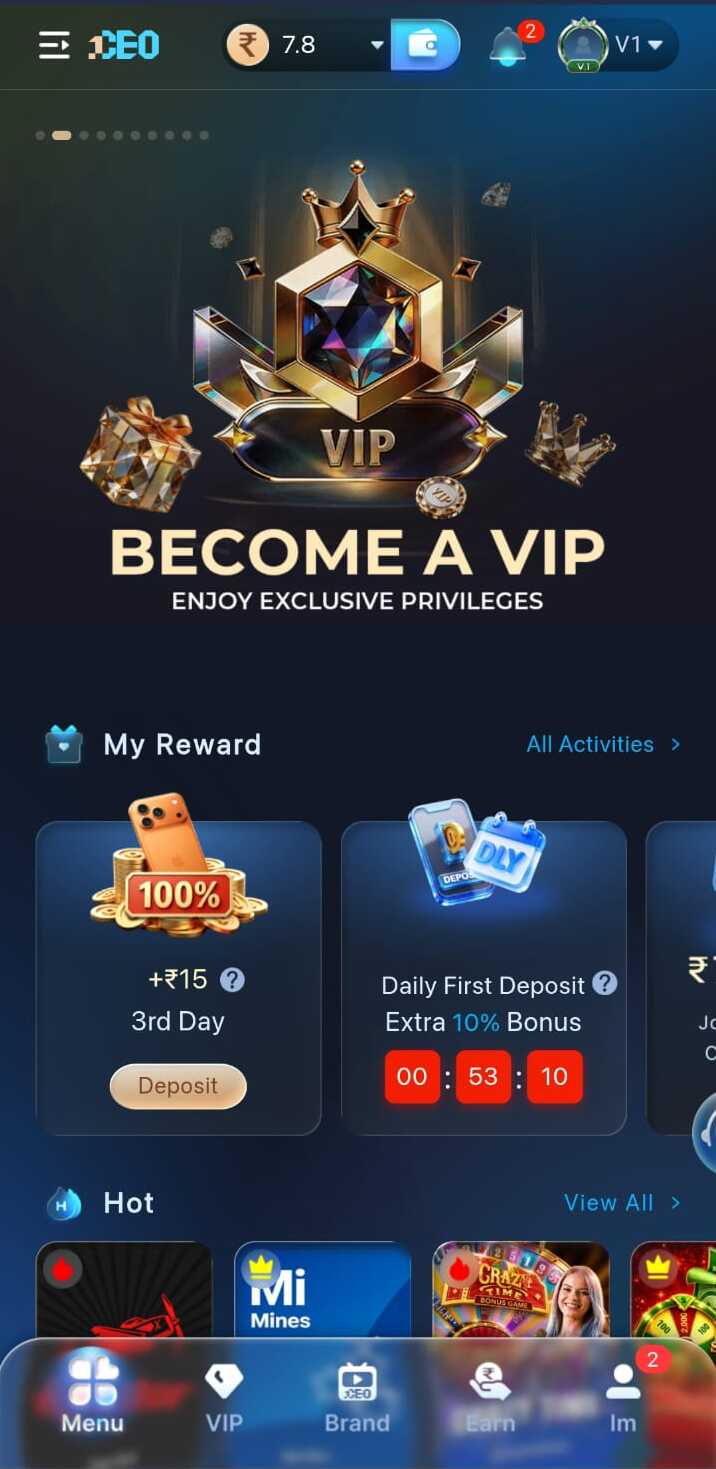
Higher VIP tiers unlock access to exclusive game panels and priority placement in the hot games section.
App navigation
The 1CEO bottom navigation bar gives instant access to all main areas of the app. New users should visit each tab before playing to understand where games, rewards, and settings live.
Access the main 1CEO identity and brand hub
Reward cards, bonuses, and earning activities
The primary game discovery and browsing area
Exclusive VIP privileges and tier-based rewards
Account management, history, and settings
More screenshots

FAQ
The 1CEO app shows a wide hot games lobby with various tile-based titles. The full game catalogue is visible after downloading the official app.
Some game tiles may have free or demo modes. Refer to in-app terms for the specific rules and requirements for each game category.
The bottom navigation bar includes Brand, Earn, the hot games icon, VIP, and Profile. New users should scan all five tabs in their first session.
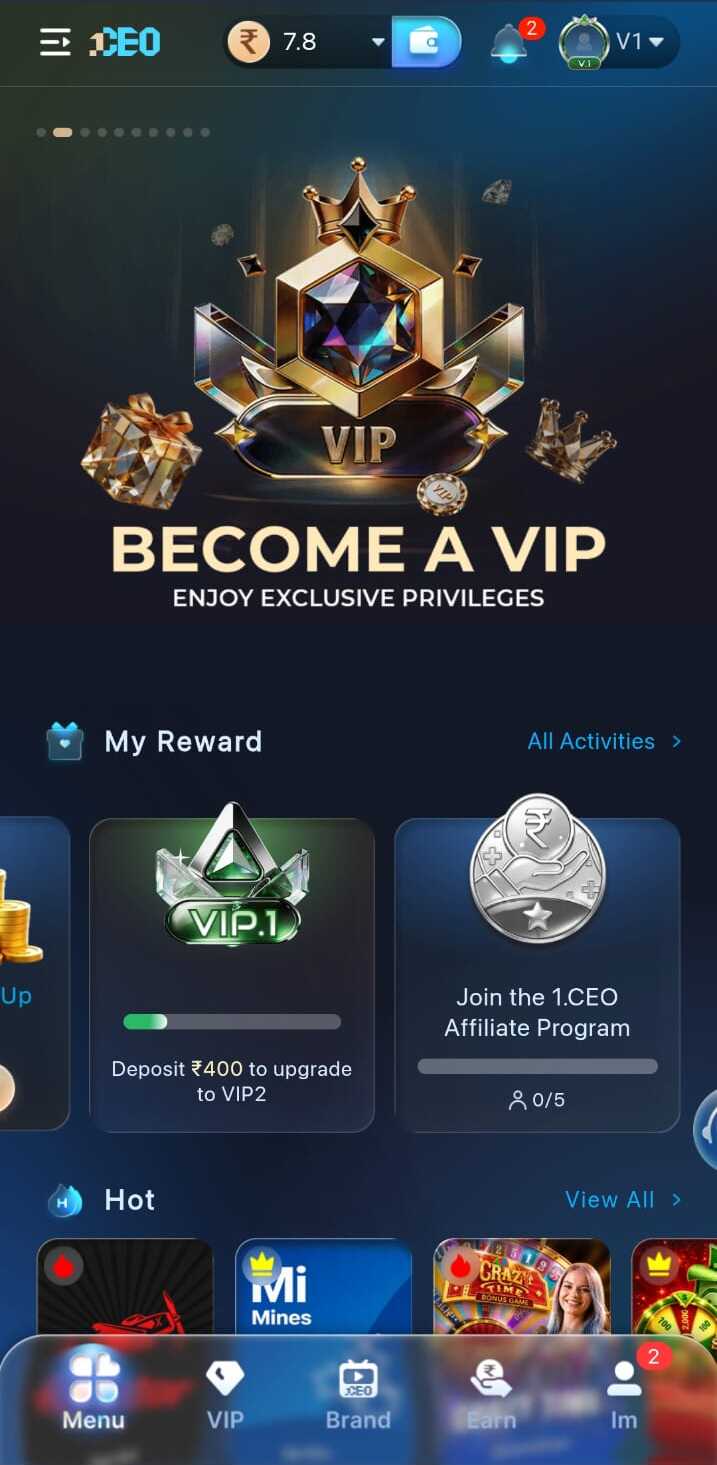
The screenshots on this page show the real 1CEO lobby so you can preview the game tile layout and interface before installing the app.
Responsible play
1CEO games are for entertainment. Set a session time limit and a spending budget before entering the lobby. Stop when either limit is reached. No game outcome is guaranteed.
Download the official 1CEO app to access hot games, VIP rewards, and all lobby areas.