Account Guide
1CEO Login Guide: How to Sign In, Fix OTP Delays & Recover Your Account
Step-by-step 1ceo login instructions for Android users — signing in with phone or password, fixing OTP delays, and recovering a forgotten 1 ceo account.
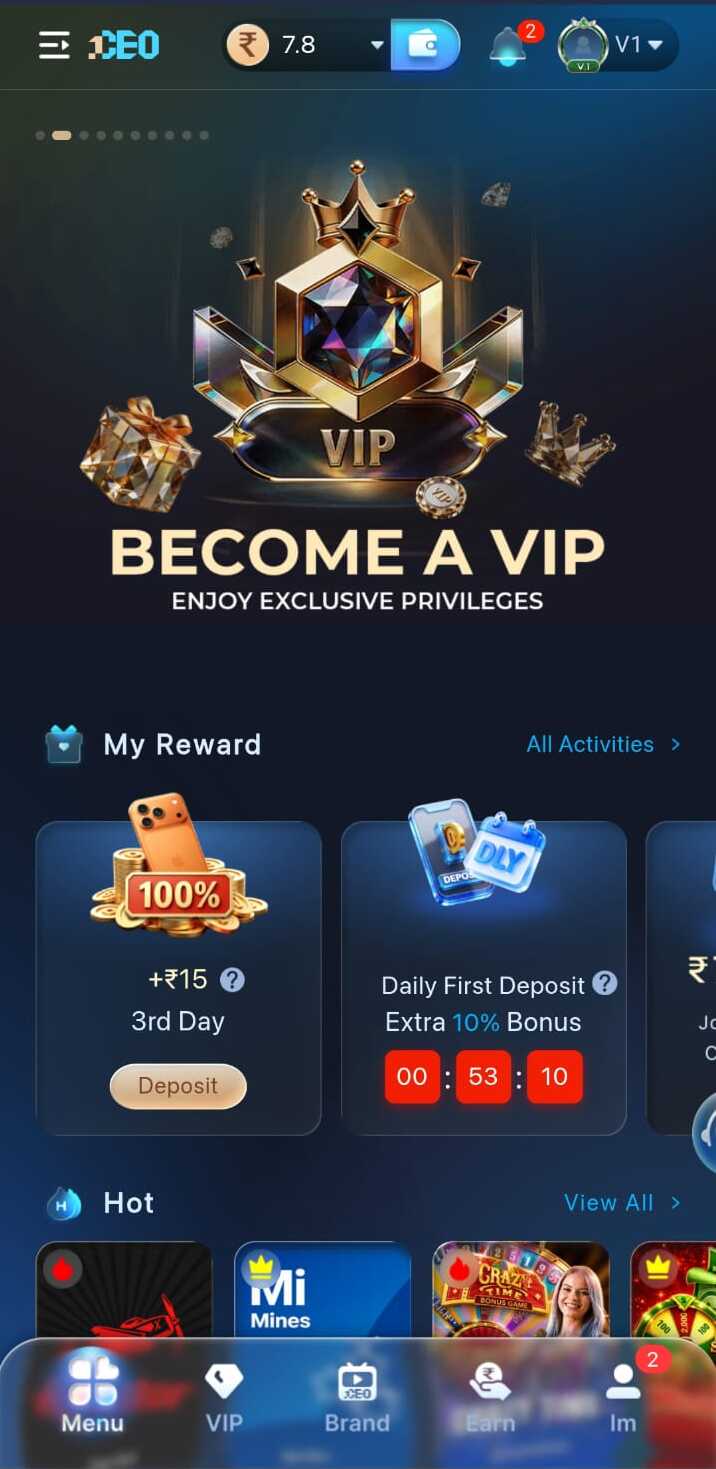
This guide targets 1ceo login and related searches such as 1 ceo, 1ceo login, 1 ceo login, 1ceo password reset, 1ceo sign in. It is written for users who want clear 1CEO information before downloading.
How 1CEO login works on Android
Once you have installed the 1ceo app and created an account, signing back in takes only a few seconds. Open the app, wait for the splash screen to clear, and enter the exact phone number or email you used during registration along with your password or one-time verification code.
If you have not created an account yet, avoid trying random logins and follow our 1ceo register guide first so your details are saved cleanly from day one.
Password login vs OTP sign-in
Depending on the app screen, 1ceo may let you sign in with your password or request an SMS/email verification code. Password login is faster when your network is weak, while OTP login is useful if you prefer not to type passwords on the go.
Whichever method you choose, double-check country codes and zero typos in your phone number. A missing digit is the single most frequent reason a "1ceo login" attempt fails.
How to fix an OTP that is not arriving
If your verification code does not show up within 60 seconds, do not tap "Resend" five times in a row — rapid requests can trigger a temporary cooldown lock. Instead, toggle Airplane mode off and on to refresh your mobile signal, check your SMS spam folder, and try once more after a short pause.
Confirm also that your phone's DND or message-blocking filters are not hiding automated verification messages.
Recovering a forgotten 1CEO password
If you forgot your password, tap the "Forgot Password" link directly on the 1 ceo login screen rather than registering a second account. You will be asked to verify ownership through your registered phone number or email before setting a new password.
Choose a strong, unique password you do not use on other websites, and save it securely so you do not have to reset it repeatedly.
Fixing login errors after updating or switching phones
If you recently switched devices or reinstalled the app, make sure you downloaded the genuine build from the official 1ceo page. If the login screen freezes or throws a network error, switch between Wi-Fi and mobile data or clear the app cache from Android Settings before trying again.
Never log in to your 1ceo account on a friend's phone or a shared device without logging out completely afterwards, and always keep your OTPs private.
1CEO Login & Recovery Guide FAQ
Why does my 1ceo login say invalid account or password?
Check that you are using the exact phone number (with country code) or email you registered with, and check for caps lock or spaces in your password. Use Forgot Password if needed.
Can I log in to 1 ceo on a new phone?
Yes. Install the official 1ceo app on your new phone and sign in with your existing registered phone number or email instead of creating a duplicate account.
What should I do if I no longer have access to my registered phone number?
Contact official support through the help option inside the app or on the official 1ceo home page with your account details so they can guide recovery.
Is it safe to save my 1ceo password in a browser?
Only on your own locked personal device. Never save passwords or stay logged in on shared or public devices.